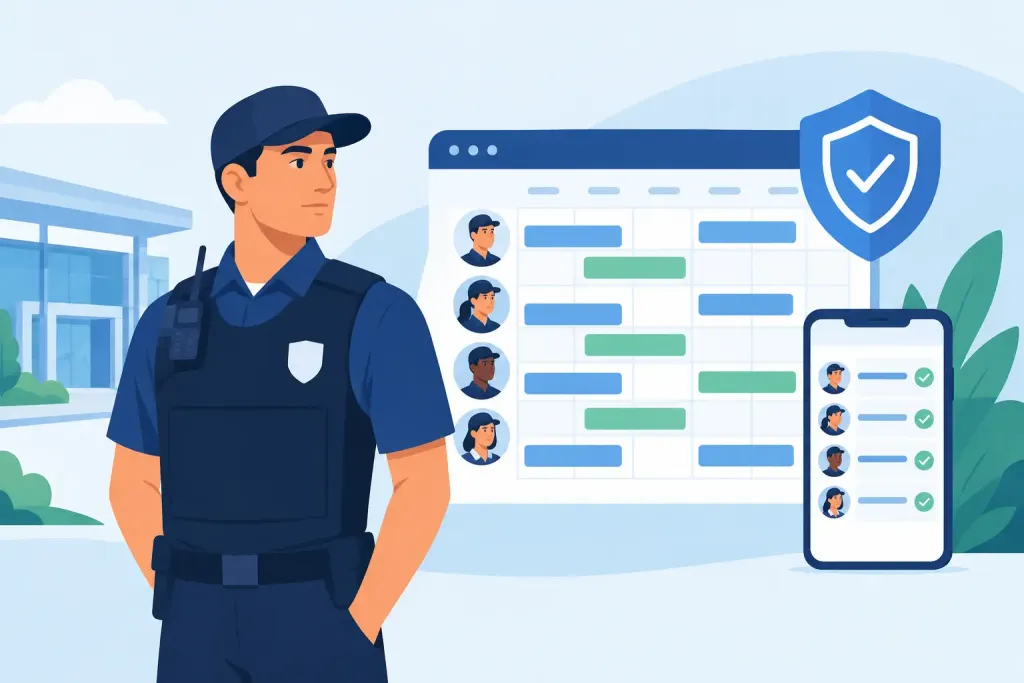
A vacant patrol post is not an administrative inconvenience. It is a gap in site security, a potential breach of contract and, in higher-risk environments, a direct safety concern. Guard scheduling software gives operations managers a live, controlled way to assign people, confirm attendance and act quickly when a shift changes. Rather than discovering a problem in a timesheet or at the end of a patrol, supervisors can see where coverage is at risk while there is still time to intervene.
For security companies and in-house teams managing multiple locations, the difference is significant. A spreadsheet may show who was planned for duty, but it does not prove that the officer arrived, started the correct assignment or completed the required checks. Effective scheduling must connect the planned workforce to the reality on site.
Why guard scheduling software is now an operational control
Security schedules are rarely static. Officers call in sick, customer requirements change, events extend beyond their planned finish time and incidents require additional resource. When rotas are held in separate spreadsheets, emails and phone conversations, every adjustment creates room for confusion. The wrong officer may receive an outdated instruction, a site can be left uncovered, or a supervisor may spend valuable time chasing confirmations.
Guard scheduling software centralises that process. Managers can build shifts by site, role, time and required skill, then allocate the right officer with a clear view of availability. Changes are communicated through a single controlled record rather than a chain of messages that is difficult to audit later.
The value is not simply a tidier rota. It is accountability. A dependable system records who was scheduled, who accepted the shift, when they checked in and whether their planned duties were completed. This creates defensible evidence for client reviews, internal investigations and service-level reporting.
Start with the realities of your security operation
The right configuration depends on how your workforce operates. A static gatehouse has different scheduling needs from a mobile patrol team covering industrial estates, and a construction site may require additional competency checks or restricted-access rules. Before selecting a platform, map the conditions that cause your schedules to fail.
Consider how often shifts are amended, whether officers work across several sites, how relief cover is sourced and how supervisors currently verify attendance. Also consider the information guards need before arriving. Post orders, access details, key risks, emergency contacts and task instructions should be available in a controlled format, not scattered across personal devices and paper folders.
For multi-site operations, scheduling by location alone is not enough. Managers need to distinguish between roles, licence requirements, lone-worker exposure, patrol frequencies and customer-specific instructions. Assigning an available person is only useful if they are authorised, briefed and capable of carrying out the work safely.
Match people to the shift, not just an empty slot
A scheduling system should make conflicts visible before they become a live problem. That includes double-bookings, insufficient rest periods, expired credentials and allocations that leave a critical role without cover. The precise rules will vary by organisation, but the principle remains the same: the rota should help managers make sound decisions, not merely record them afterwards.
Skill matching matters particularly where contracts require SIA-licensed officers, keyholding capability, first-aid training or site-specific induction. Recording these details against the workforce reduces reliance on memory and prevents rushed decisions when a replacement is needed at short notice.
There is a practical trade-off. Overly rigid settings can slow down a supervisor who needs to deploy emergency cover. The best approach is to flag exceptions clearly, preserve an audit trail and allow authorised managers to make a documented decision when operational necessity demands it.
Turn planned shifts into proof of attendance
A rota is a plan. Proof comes from confirming that the officer is physically present at the correct place and carrying out the required work. This is where scheduling should connect directly with guard tour and workforce management tools.
Mobile check-in can confirm the start and end of a shift, while QR codes, NFC tags, beacons and GPS-based checkpoints provide evidence of patrol activity during it. A supervisor can compare the scheduled assignment with live activity rather than waiting for paper records to be returned. If a guard has not started their shift, misses a checkpoint or stops responding, the team can investigate immediately.
This joined-up view is particularly valuable for remote sites and lone workers. A guard may be technically rostered, but a roster cannot confirm their welfare. Scheduled check-ins, panic alarms, man-down alerts and escalation workflows give control room staff a clearer basis for action when something is wrong.
QR-Patrol brings scheduling, live patrol verification, incidents and digital occurrence records into one cloud-based operational view. That allows managers to move from asking whether a shift was filled to seeing what happened during it.
Build a fast response to absence and late changes
No system eliminates absence. Its purpose is to make absence visible early and manage the replacement process with discipline. When an officer cannot attend, the supervisor should be able to identify suitable available personnel, contact them quickly and record the revised allocation without losing the original history.
A useful workflow is straightforward. The scheduled officer reports an issue, the supervisor records the absence or late arrival, eligible cover is identified, the replacement receives the assignment details, and the control team watches for verified check-in. Each stage should be timestamped. This protects the organisation if a client later questions the response to an uncovered shift.
Automated notifications can reduce delay, but they should not replace judgement. A text or app alert is helpful for communicating a changed assignment, yet higher-risk changes may still require a direct call, a fresh briefing or supervisor confirmation. The system should support the process your operation requires, rather than encouraging managers to treat every shift as identical.
Give guards clear instructions before they arrive
Poor handovers create avoidable risk. Officers need more than a start time and postcode. They need to know where to report, what duties are expected, which patrol routes apply, what incidents require escalation and whether any new site risks have been identified.
Digital shift instructions reduce the chance of outdated paperwork being reused. Managers can attach current post orders, task lists and forms to the assignment, helping officers work from the latest authorised information. For site supervisors, this also improves consistency between day and night teams and across different relief officers.
Clarity does not mean flooding guards with information. Long, unfocused instructions are easily missed under pressure. Prioritise the details that affect safety, compliance and service delivery, then make supporting documents available when needed.
Make compliance and client reporting easier to defend
For UK security providers, workforce scheduling contributes to more than efficient deployment. It supports evidence of planned coverage, due diligence and service delivery. When paired with attendance records, patrol activity and incident logs, it helps demonstrate that the organisation had appropriate controls in place.
This supports contractual SLAs and can assist with the record-keeping expected around BS 7499, health and safety duties and GDPR-conscious data handling. The details of compliance obligations differ by contract and organisation, so software is not a substitute for policy or professional advice. It does, however, make it far easier to retrieve consistent records when they are needed.
Client reports should answer practical questions: Was the shift covered? Did the officer attend on time? Were patrols completed? Did an incident occur, and how quickly was it escalated? Reports built from live operational data carry more weight than manually assembled updates produced days later.
What to look for when choosing a platform
A scheduling tool should fit the pace and complexity of the operation, not create another disconnected system. Look for live schedule visibility, mobile access for guards, role and qualification controls, clear change history and reliable notifications. If patrol verification is central to your service, ensure schedules connect to actual checkpoint, incident and task data.
Scalability also matters. A single-site team may need straightforward rota control, while a contractor with dozens of customers needs permissions, site-level reporting and a consistent process across a dispersed workforce. Start with the controls that solve the current operational risk, but choose a platform that can grow as contracts and reporting requirements expand.
The real test is what happens at 02:00 when an officer does not arrive, a client calls for extra cover or a lone worker misses a welfare check. Good guard scheduling software gives the duty manager an accurate picture, a controlled response path and a record that stands up to scrutiny. That is how a rota becomes an active part of site security.