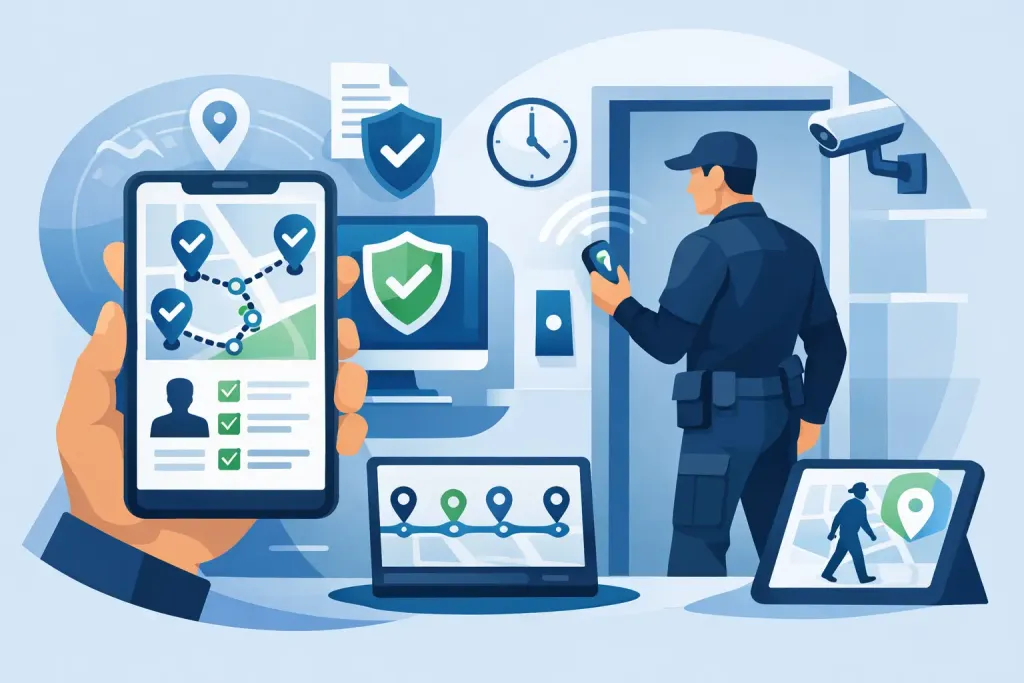
A missed patrol at a vacant industrial unit is rarely just a missed patrol. It may mean a fire door was left unsecured, an alarm fault went unseen, or a client received no evidence that the contracted service took place. Patrol software turns that uncertainty into a live, time-stamped operational record, giving managers proof of where guards were, what they found and how quickly issues were escalated.
For security providers, facilities teams and in-house departments, the value is not simply replacing a clipboard. It is creating a control point between the person on site and the manager responsible for safety, service delivery and compliance.
What patrol software should control
A capable patrol system connects field activity to a central management view. Guards use a mobile device to complete assigned rounds, scan checkpoints, report incidents and receive instructions. Supervisors can see progress as it happens rather than waiting until the end of a shift for paper records or a verbal handover.
The basic workflow is straightforward. Checkpoints are placed at meaningful control points: perimeter gates, plant rooms, fire exits, reception areas, loading bays or high-risk storage locations. A guard scans a QR code, NFC tag or beacon, or confirms a GPS-based virtual checkpoint. The system records the visit against the correct person, location, date and time.
That record matters because a scan alone is not the whole story. Good patrol software should also capture missed or late checkpoints, completed tasks, incidents, photographs, notes and follow-up actions. Managers need to distinguish between a patrol that was physically completed and one that was completed properly.
Proof of presence without blind spots
Traditional guard tour equipment can confirm that a tag was touched, but it often leaves information trapped on a device until it is collected or docked. By then, the chance to intervene may have passed. Cloud-based patrol management sends activity to the control room immediately when connectivity is available, with stored data synchronising once a device reconnects.
Multi-technology checkpoint support is useful because sites vary. QR codes are quick to deploy and simple to replace. NFC tags offer a discreet physical checkpoint. Bluetooth beacons can support contactless verification, while GPS checkpoints are particularly valuable for large estates, mobile patrols and remote areas where a physical tag is impractical. The right choice depends on the environment and the level of location assurance required.
GPS alone is not always sufficient for indoor patrols, multi-storey buildings or tightly defined control points. Equally, placing tags everywhere on an open site may create unnecessary installation work. The best design uses each technology where it provides clear operational evidence.
Live visibility changes incident response
Security threats do not wait for the next report. A guard discovering vandalism, an unsecured access point, flooding or suspicious behaviour needs a fast, documented route to escalation. With a mobile incident form, the officer can record the category, severity, narrative, images and exact location while events are still clear.
The central team can receive an automated alert and act immediately. Depending on the incident, that may mean contacting emergency services, dispatching a supervisor, notifying the client, isolating an affected area or instructing another officer to attend. The system creates a time line of what was reported, by whom and when action was taken.
This is particularly valuable across multi-site contracts. A control room may be responsible for office parks, warehouses, construction compounds and hospitality venues in the same region. Without live operational data, management is relying on calls, emails and delayed occurrence books. With it, they can prioritise the incident that needs attention now while retaining a complete record for later investigation.
Lone-worker protection must be part of the workflow
Many patrol duties place guards in isolated environments: empty buildings, night shifts, perimeter routes, remote depots and plant areas. Lone-worker protection should not sit separately from patrol activity. It needs to be available from the same device and supported by a defined response procedure.
A panic alarm allows an officer to request urgent assistance. Man-down functionality can raise an alert when the device detects a fall, impact or lack of movement, subject to the configured settings and device permissions. Scheduled welfare checks can also identify when a guard has failed to confirm their safety.
Technology is only one part of the control. Managers must decide who receives the alert, how quickly they respond, what happens if the officer cannot be reached and how the event is documented. Testing these procedures during onboarding is as important as enabling the feature. An unused alert button is not a safety plan.
From occurrence books to defensible records
Paper occurrence books are familiar, but they are difficult to search, easy to misplace and often completed after the event. Handwriting may be unclear, times may be estimated and photographs must be stored elsewhere. These gaps make it harder to investigate complaints or demonstrate that contractual duties were met.
A digital occurrence book puts shift activity, patrol records and incidents in one place. Officers can submit structured forms for routine checks, keyholding events, maintenance observations, visitor issues or health and safety concerns. Required fields help ensure essential details are not missed, while photographs and signatures provide context where needed.
For client reporting, this produces a more credible service record. Instead of a generic monthly statement, a manager can provide evidence of visits, exceptions, incidents, responses and completed actions. That is useful when discussing service levels, challenging a disputed invoice or demonstrating the value of a security presence.
It also supports a stronger compliance position. Organisations operating to BS 7499 expectations, client SLAs and health and safety duties need traceable processes, not assurances alone. Records should be retained according to an agreed policy, access should be controlled and personal data should be handled in line with GDPR. Location tracking must be proportionate, communicated clearly to staff and configured for a legitimate operational purpose.
How to introduce patrol software without disrupting shifts
Implementation succeeds when it reflects the actual site operation, rather than forcing staff to work around a generic template. Start by mapping the patrol route and identifying the points that genuinely reduce risk. A checkpoint at every doorway may create noise; a checkpoint at critical entrances, fire points, isolated areas and vulnerable assets creates useful evidence.
Next, define the exceptions. Decide what counts as a late patrol, who is notified when a checkpoint is missed, how long the response window should be and which events require client escalation. These rules should vary by site risk. A missed check at an unoccupied office may need supervisor review, while a missed inspection at a high-value distribution facility may require an immediate call.
Then build forms around decisions, not paperwork. An incident form should gather the information a control room or client needs to act: what happened, where, when, who was informed and whether the risk remains. Avoid asking guards to complete long narratives for routine tasks. Short, focused forms increase completion quality during a busy shift.
Training should include practical scenarios. Guards need to know how to scan checkpoints, submit an incident, use a panic alarm, deal with loss of connectivity and correct an accidental entry. Supervisors need equal confidence in monitoring exceptions, reviewing reports and following up actions. Smartphone-first systems reduce the need for specialist readers, but they still require clear device, charging and data-use policies.
Finally, review the first few weeks of data. Repeated late scans may reveal an unrealistic route, a poorly positioned checkpoint or a staffing issue. Frequent incident categories may point to a facilities defect or weakness in access control. Patrol data is most valuable when it informs operational improvement, not when it is treated as a passive archive.
Choosing a patrol software platform
When comparing platforms, look beyond the number of checkpoint types. The key question is whether the system supports the full chain of accountability: planned patrol, proof of attendance, exception alert, incident reporting, management response and client-ready evidence.
A suitable platform should provide live web visibility, flexible mobile checkpoints, configurable tasks and forms, automated notifications, reporting and practical lone-worker controls. It should also scale from one location to a dispersed estate without forcing teams to manage separate records. QR-Patrol brings these elements together for organisations that need real-time oversight without returning to legacy guard tour hardware.
Cost should be assessed against the operational problem being solved. A lower-priced system that cannot deliver timely alerts, reliable reporting or enough guard licences can create more administration than it removes. Conversely, advanced features may not be necessary for a small, low-risk site with a simple verification requirement. Match the subscription level, equipment and configuration to the risk profile and reporting commitments of the contract.
The strongest security operation is not the one with the most data. It is the one where every critical visit, concern and response can be seen clearly enough to act before a minor exception becomes a serious failure.