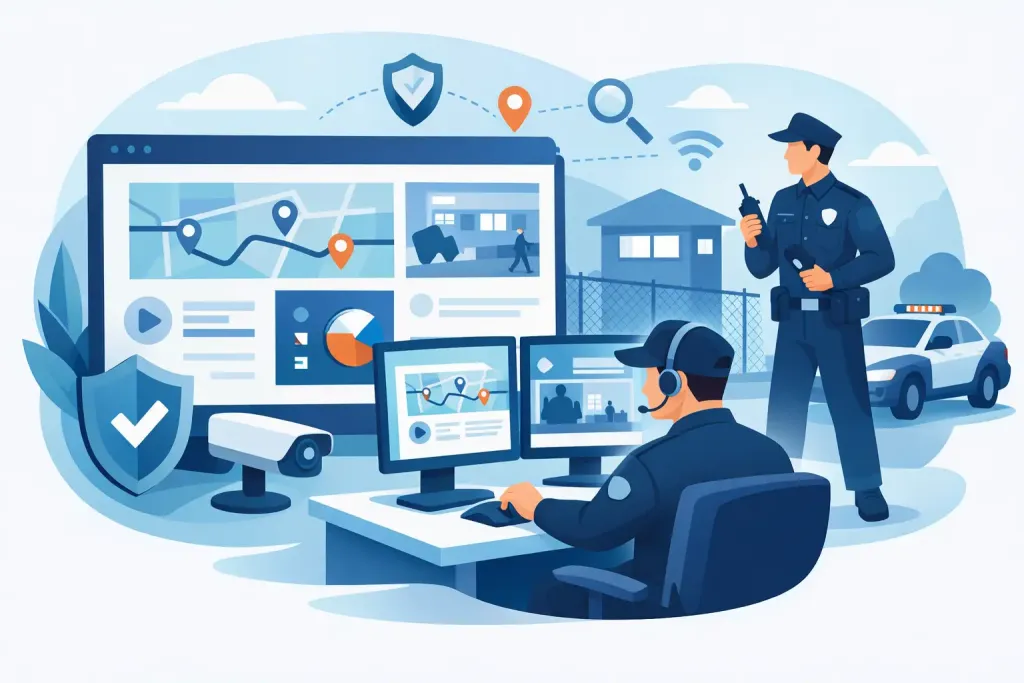
A missed checkpoint at 02:15 is not a reporting issue to review the following morning. It is an operational exception that may require action now. Security dashboards give supervisors a live view of patrol delivery, guard welfare and site activity, allowing them to identify gaps before they become client complaints, safety failures or security incidents.
For security companies, facilities teams and in-house departments, the value is not simply having more data on screen. The value is turning field activity into clear decisions: who needs contacting, which site needs attention, whether a patrol was completed, and what evidence is available if a client or auditor asks for it.
What security dashboards should show
A useful security dashboard is an operational control point, not a collection of attractive charts. It should present the information a duty manager needs during a shift, without forcing them to search through reports or chase guards by telephone.
At a minimum, the dashboard should show live patrol status against the planned route. Managers need to see completed checkpoints, late or missed scans, guards currently on duty and patrols that have not started. This provides absolute proof of presence at the locations that matter, whether checkpoints use QR codes, NFC tags, beacons or GPS-based locations.
Incident activity needs equal visibility. A dashboard should highlight open incidents, their severity, who reported them and whether escalation has taken place. If a guard records an unlocked fire exit, a damaged perimeter fence or unauthorised access, the supervisor must be able to see the issue promptly and verify that it has been assigned and resolved.
Guard welfare is another essential view. Lone-worker status, panic alarms, man-down alerts and missed welfare checks should never be buried in a general activity feed. These are immediate response events. They require clear alerts, relevant location information and an auditable record of the action taken.
The most effective dashboards bring these elements together: patrol compliance, live exceptions, incidents, task completion and worker safety. They show the current operational position, while retaining the underlying records needed for investigation and reporting.
Live visibility is different from retrospective reporting
Many organisations still rely on end-of-shift occurrence books, emailed reports or data downloaded from older guard tour devices. These records may demonstrate what happened, but they offer little opportunity to intervene while a problem is still developing.
Live security dashboards change that sequence. A missed checkpoint can trigger an alert during the patrol window. A supervisor can contact the guard, establish whether there is a genuine access issue or safety concern, and document the response. If the guard cannot respond, the escalation path can begin immediately.
This matters particularly across dispersed estates. A facilities manager responsible for several office parks, warehouses or construction sites cannot physically inspect every shift. A central dashboard provides a practical view of performance across all locations, while allowing managers to focus on the exceptions rather than monitor routine activity manually.
There is a trade-off. Real-time information is only useful when the organisation has defined who monitors it and what they must do. A dashboard with alerts but no response process can create false confidence. Teams should agree escalation rules for late patrols, missed scans, panic activations, overdue tasks and communication failures before going live.
Focus on exceptions, not constant surveillance
Managers do not need to watch every guard movement minute by minute. That is inefficient and can undermine trust. The better approach is exception-based management: use the dashboard to confirm that planned work is progressing, then direct attention to activity outside agreed tolerances.
For example, a checkpoint may allow a ten-minute completion window because access routes vary during the night. A critical perimeter point may require a much tighter threshold. Configuring these rules by site and risk level produces more meaningful alerts and reduces unnecessary noise.
The measures that support accountable operations
The right measures depend on the contract, site risk assessment and operating model. A distribution warehouse with vehicle movements has different priorities from a hotel, campus or vacant property. However, several measures consistently help managers assess service delivery.
Patrol completion rate shows whether scheduled routes are being carried out. Missed and late checkpoint totals reveal where coverage is unreliable or poorly planned. It is useful to compare these figures by site, shift, route and individual only after considering context such as equipment faults, restricted access or approved route changes.
Incident trends show whether risks are increasing, recurring or concentrated in one area. A rise in perimeter incidents may justify a review of lighting, access controls or patrol frequency. Repeated health and safety observations can indicate that a contractor process needs correction rather than more security presence.
Task completion measures whether routine requirements are being delivered. These may include gate checks, key checks, opening and closing procedures, fire-door inspections, visitor log reviews or asset verification. When tasks are supported by time, location, photographs and completed forms, managers have stronger evidence than a handwritten tick sheet.
Response performance matters too. Recording the time between an alert, supervisor acknowledgement and final resolution helps establish whether the escalation process is working. It also creates a factual basis for client discussions about staffing levels, site controls and agreed service levels.
Build dashboards around decisions
A common mistake is to put every available metric on one screen. This makes urgent information harder to find. A better design separates views according to the decision being made.
A live control-room view should prioritise active guards, patrol progress, overdue activity, alarms and open incidents. A site manager view may focus on daily compliance, recurring issues and outstanding actions. Senior operations managers often need a multi-site view that identifies weak-performing locations and compares service delivery against contractual requirements.
Colour coding can help, but only when it has clear meaning. Red should indicate an event requiring immediate attention, not simply any incomplete item. Amber can identify an approaching deadline or a condition needing review. Green should confirm completed or compliant activity. Every status must lead to a defined action, otherwise the dashboard becomes visual clutter.
It is also worth considering the operational rhythm. Night supervisors may need a live map and alert queue. Contract managers preparing a monthly client review need trends, supporting records and branded reports. One dashboard does not need to serve every purpose if separate views provide better control.
Data quality determines dashboard value
A dashboard cannot correct weak field processes on its own. If checkpoint locations are poorly planned, guards are not trained on the mobile app, or incident categories are inconsistent, the information presented to managers will be unreliable.
Start with the patrol plan. Each checkpoint should have a purpose linked to risk, compliance or service delivery. Avoid installing checkpoints merely to create a long route. A meaningful checkpoint might confirm that a fire exit is secure, a plant room is checked, a vulnerable entrance is inspected or a lone worker has reached a safe point.
Forms should also be practical. Require enough detail to create a defensible record, but not so much that guards cannot complete them during an active incident. Structured fields for incident type, location, severity and action taken improve consistency. Free-text notes and photographs provide the necessary context.
For organisations managing personal data, access controls and retention settings are equally important. Location records, incident details and workforce information must be handled in line with GDPR. Managers should be able to see the information relevant to their responsibility, while maintaining clear records of who accessed and changed key data.
From dashboard alert to defensible action
The operational benefit appears when an alert leads to a documented response. Consider a guard who fails to scan a checkpoint on a remote industrial site. The dashboard identifies the exception, the supervisor attempts contact, and the result is recorded. If there is no response, the lone-worker procedure can be followed, using the available location and shift details to direct support.
That workflow protects people, but it also protects the organisation. If a client later asks why a patrol was incomplete, the security team can provide an accurate timeline: expected patrol time, missed checkpoint, attempted contact, escalation, outcome and any corrective action. This is far more defensible than reconstructing events from phone calls and paper notes.
Platforms such as QR-Patrol support this approach by combining live guard activity, multi-technology checkpoints, incident reporting, welfare alerts and centralised records in one operational environment. The practical goal is straightforward: fewer blind spots, faster intervention and evidence that stands up to scrutiny.
Set the dashboard up for the site you actually manage
Before deployment, define the few questions each user must answer during a shift. A supervisor may need to know whether every guard is safe and every critical patrol is on track. A facilities manager may need to know which sites have outstanding issues. A contract manager may need proof that agreed services were delivered.
Configure notifications to match those responsibilities, test them during realistic scenarios and review alert volumes after the first few weeks. If managers receive too many low-priority notifications, urgent events will be missed. If thresholds are too loose, exceptions will be found too late.
A well-run dashboard should make daily control calmer, not noisier. When the screen reflects real risks, clear ownership and verified field activity, security managers can spend less time assembling evidence and more time preventing the next problem.