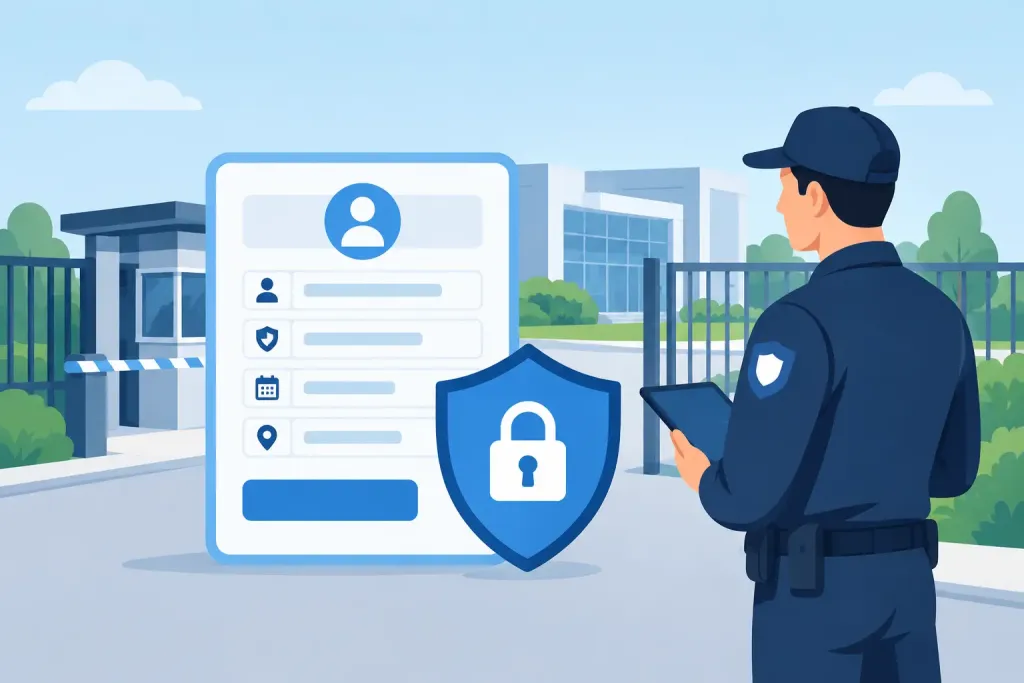
A missed fire-door check, an unsecured plant room or a recurring access-control fault can become a serious exposure when the only record is a handwritten note at the end of a shift. Security site forms give teams a structured way to capture what happened, where it happened and what action followed – while the detail is still accurate and management can still intervene.
For security providers, facilities teams and site supervisors, forms are not paperwork for its own sake. They are an operational control. Used properly, they connect guard activity to live evidence, support a faster response and create records that stand up to client scrutiny, internal reviews and compliance audits.
Why security site forms matter on live operations
A patrol confirms presence. A form explains the condition found, the risk assessed and the response taken. Both are needed. A checkpoint scan may prove that a guard reached a loading bay at 02:15, but it does not show whether the emergency exit was obstructed, whether a contractor was challenged or whether a damaged fence panel was escalated.
Paper forms and spreadsheets can collect this information, but they introduce avoidable delay. Details are often copied after the event, handwriting can be unclear, supporting photographs are stored elsewhere and supervisors may not see an issue until the next handover. That gap matters on high-footfall, remote and high-risk sites.
Digital forms submitted through a guard’s mobile device make reporting part of the task itself. Time, date, user and location can be recorded automatically, while mandatory fields ensure the guard captures the information the site actually needs. Managers receive a consistent record rather than a collection of differently written shift notes.
The result is stronger accountability in both directions. Guards have a clear reporting process and evidence of work completed. Supervisors can see outstanding issues and decide whether to deploy support, contact the client or amend site instructions. Clients receive a more defensible picture of the service they are paying for.
The security site forms every operation should consider
The right form set depends on the risk profile, contractual scope and operating hours of each location. A construction site needs different controls from a corporate office or student accommodation block. However, most security operations benefit from a core group of forms that cover routine checks, exceptions and safety-critical events.
- Incident reports record the facts of an event, involved parties, actions taken, witnesses and escalation. They should allow photographs, attachments and a clear incident category.
- Patrol and inspection forms support structured checks of doors, gates, perimeter fencing, lighting, fire exits, keys, alarms and other site-specific points.
- Occurrence book entries create a chronological digital record of routine activity, concerns, handovers and communications during a shift.
- Visitor, contractor and delivery records document who entered site, why they attended, relevant authorisation and any safety or access concerns.
- Health and safety, lone-worker and welfare forms help guards report hazards, confirm welfare checks and document actions following an alert or injury.
It is tempting to digitise every possible process at once. That can create long forms which guards rush through simply to complete a task. Start with reports that reduce the greatest operational risk, then refine the fields from real use. A concise form completed accurately is more valuable than an exhaustive form full of blank entries.
Design for the person on patrol
A guard may be completing a form in rain, poor light, a noisy reception area or a remote compound with intermittent signal. Form design must reflect those conditions. Use plain language, short field labels and sensible choices rather than asking guards to write lengthy narratives for every routine check.
Conditional fields are particularly useful. If a guard answers “no” to “Is the fire exit clear?”, the form can request a photograph, ask for the obstruction type and prompt the correct escalation route. If the answer is “yes”, the guard should be able to continue without unnecessary questions. This keeps routine patrols efficient while ensuring exceptions receive the detail they require.
Where possible, link forms to the patrol route or checkpoint. A guard scanning a QR code or NFC tag at a generator room can open the relevant inspection form for that exact asset or location. This reduces ambiguity and makes later reporting easier to interpret.
From form submission to immediate action
A submitted form should not disappear into a digital filing cabinet. Its value comes from what happens next. Define which reports require an instant notification, which go to the shift supervisor and which can be reviewed as part of a daily or weekly trend analysis.
For example, a report of a broken perimeter gate may need an immediate alert to the control room and facilities contact. A note that litter is building near a rear entrance may be assigned to a scheduled cleaning task, while repeated reports of poor lighting should trigger a site-risk review. The workflow needs ownership, a response target and a way to confirm that the issue was closed.
QR-Patrol supports this approach by combining mobile forms with live patrol activity, incident reporting and centralised management visibility. A supervisor can see the reported issue alongside the guard’s location, patrol history and supporting evidence rather than chasing multiple systems for context.
Escalation rules should be proportionate. Sending every completed form to every manager creates alert fatigue and slows response to genuine threats. Set priority levels based on the consequence of delay. Security breaches, life-safety failures and lone-worker concerns warrant immediate action; routine maintenance observations usually do not.
Building records that support compliance and client reporting
Security records are often requested after the fact: following a complaint, a claim, a safety investigation, a client review or an alleged service failure. At that point, vague entries and missing timestamps become difficult to defend.
Well-configured digital forms create an auditable chain of events. They can show who completed the record, the time and location of submission, the answers provided, attached images and the follow-up action. This gives managers credible evidence of service delivery and helps identify where procedure was not followed.
For organisations working to BS 7499 expectations, documented assignment instructions, patrol activity, incident handling and occurrence records all support more controlled security operations. Forms do not create compliance by themselves. Procedures, training, supervision and review remain essential. They do, however, make it far easier to demonstrate that controls were applied consistently.
Data protection also needs careful attention. Incident reports may contain names, vehicle registrations, images, health information or allegations. Only collect information that has a clear operational purpose, restrict access according to role and retain records for an agreed period. A digital system should improve control over personal data, not encourage unnecessary collection.
Make evidence useful, not merely available
A client report filled with raw form exports may prove activity, but it rarely helps the client understand risk. Turn form data into practical insight. Show recurring issues by location, repeated alarm activations, the most common incident categories, corrective actions completed and overdue actions requiring attention.
This is where consistent fields matter. If one guard writes “gate open”, another writes “rear gate left ajar” and a third chooses “perimeter issue”, trend reporting becomes unreliable. Standard categories with room for a short factual narrative give operations teams both comparable data and necessary context.
A practical rollout approach
Before building forms, map the shift from start to finish. Identify what guards must check, what they must report, who needs to know and what action should follow. Include experienced officers in this work. They know where forms are likely to be impractical and which questions are needed to distinguish a minor defect from an urgent threat.
Pilot the forms on one site or one shift before a wider deployment. Check completion times, field quality, mobile connectivity, notification accuracy and supervisor workload. If guards repeatedly skip a field, investigate whether it is unclear, irrelevant or difficult to complete at the point of work.
Training should cover more than which buttons to press. Guards need to understand the standard expected for factual reporting: what they saw, what they did, who was informed and what remained unresolved. Supervisors need to know how to review, escalate and close records consistently. Without this discipline, even excellent software will produce uneven evidence.
Security site forms work best when they become part of active site management rather than an end-of-shift administrative task. Build them around real decisions, make urgent reports visible immediately and review the patterns they reveal. That is how routine patrol activity becomes dependable proof of presence, risk control and action when the site needs it most.